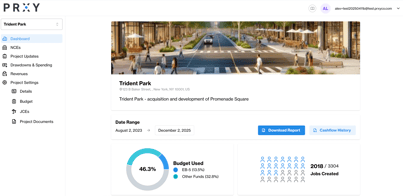
As a Project Admin, you can invite others to use the PRXY Portal. Below is an overview of user types, how to give them access, and what they can see.
|
User Type |
Access |
Where to add them |
|
Project Admin |
Full access and use of all tabs in the PRYX Portal. This is an ideal designation for teammates who will be setting up the project, submitting Draws, managing investors, or paying PRXY invoices. |
In the ‘Users’ Tab |
|
Investor |
Limited access to high-level project information and personal and tax documents. For a full overview with screenshots, see here. |
In the ‘Funds’ Tab, under ‘Investors’ |
|
Regional Center |
Selective, view-only access to projects.
|
In the ‘Users’ Tab |
|
Agent |
View-only access to the same high level project information that Investors have, but for multiple projects. They cannot see individual investors, neither their own nor others. |
In the ‘Users’ Tab |